The Xbox Series S is the cheapest way into this console generation — and GTA 6 is the most demanding game of it. So how does the little white box actually handle Leonida? This page collects what is confirmed about the Series S version, what players are reporting about its performance and storage demands, and the practical tips that make the Series S experience as good as it can be.
Last updated: 20 November 2026.
Labels: Confirmed is from Rockstar or Microsoft. Reported is from players and outlets. Almost everything about Series S performance right now is Reported — Microsoft and Rockstar have published no Series S-specific performance figures — and we keep it that way rather than dress up community clips as specifications.
At a Glance
- GTA 6 targets 30 FPS on all consoles, including Series S — there is no Performance mode on any Xbox. Confirmed — Rockstar Games
- Series S players report the deepest frame-rate dips of any version in heavy scenes, with some reporting drops below 20 FPS in the busiest moments. Reported
- The Xbox download has been reported at around 225 GB, with the total install after updates reported around 211.9 GB — either way, a brutal fit on the Series S’s internal storage. Reported
- A widely shared clip claims enabling VRR on Xbox appears to unlock the frame rate. Reported — not confirmed by Microsoft or Rockstar
The performance reality
Start with the confirmed frame: like every other console, the Series S version of GTA 6 targets 30 FPS, with the same ray-traced reflections and global illumination that define the game’s look, scaled for the hardware. Confirmed — Rockstar Games (the 30 FPS target and shared lighting features were stated for all consoles; our 30 FPS explainer has the full story, including Rockstar’s confirmation that no 60 FPS mode is coming to any console).
Within that target, player reports draw a consistent picture: the Series S holds its 30 in open and rural areas but dips hardest in dense city combat and heavy traffic, with some players reporting moments below 20 FPS. Reported. That pattern makes technical sense — the Series S has the least CPU and memory headroom of the three consoles, and GTA 6’s simulation density is exactly what strains CPUs (the reason Rockstar gives for the 30 FPS cap everywhere). Expect patches to aim at these dips; the first stability updates typically target the worst-performing scenes on the weakest hardware, because that is where the complaints concentrate.
What the Series S version is not: it is not a different game. Same story, same world, same missions, same GTA Online future. The compromises are resolution, texture detail and frame-rate steadiness — the usual Series S trade, applied to an unusually heavy game.
The storage problem is real
Here is the Series S owner’s sharpest pain. The Xbox version’s download has been reported at around 225 GB (Outlet reporting via Output Lag), and the installed size after the pre-launch updates has been reported at about 211.9 GB. Reported. The figures vary by source because download size, installed size and update-inclusive size are three different numbers — but every version of the number is enormous against the Series S’s 364 GB of usable internal storage (512 GB model). GTA 6 alone can take well over half the drive.
Your options, in order of sanity:
- The official expansion card. Xbox Storage Expansion Cards (Seagate/WD) slot into the back and run games at full speed — the only external option that can play Series X|S games directly. Expensive, but it simply ends the problem.
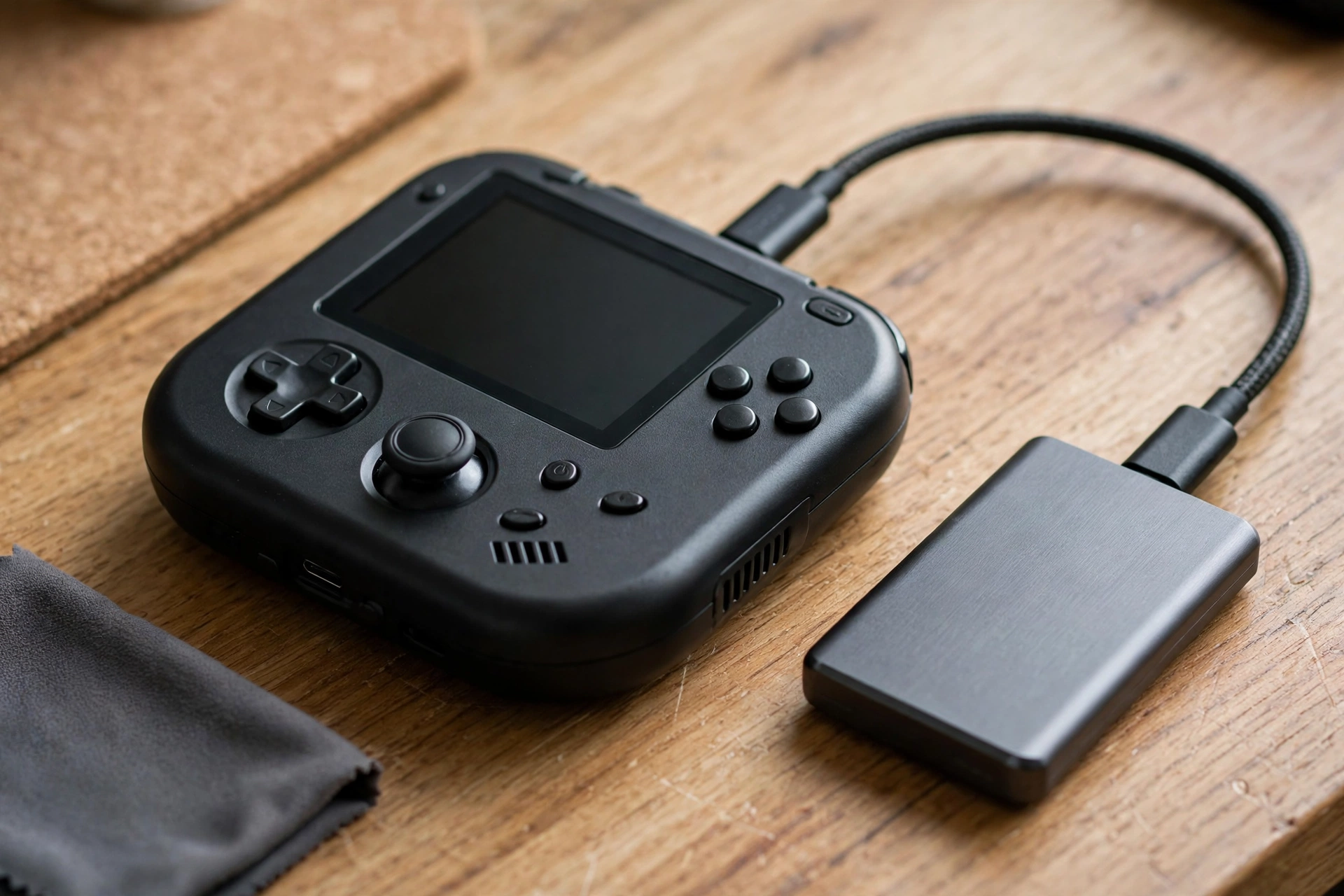
- USB drive as cold storage. A regular USB hard drive cannot play Series X|S games, but it can store them — shuffling a 200 GB game back and forth is still much faster than re-downloading it on most connections.
- The ruthless library. Delete what you are not playing this month. Game Pass makes this painless: cloud saves keep your progress, and re-downloads are free.
Our main Download Size and Storage guide covers the PS5 side and general space management in depth.
The VRR claim: interesting, unverified
A clip shared widely after launch appears to show GTA 6’s frame rate becoming unlocked on Xbox when Variable Refresh Rate is enabled in the console’s display settings. Reported — not confirmed. If your TV supports VRR (many mid-range and better TVs from the last few years do), enabling it costs nothing and genuinely helps smooth out dips on any game, because the TV matches its refresh to the game’s output instead of juddering. Whether it truly unlocks GTA 6’s cap is unproven — and an unlocked-but-uneven frame rate can feel worse than a locked 30. Our advice: turn VRR on for the smoothing benefit if your TV has it; do not buy a TV for the rumour. The Best Settings guide covers the rest of the TV setup (Game Mode on, motion smoothing off) that matters more.
Settings and habits for Series S players
- Close background games and apps. Quick Resume is wonderful, but a console juggling suspended titles and background downloads has less to give the game in front of you.
- Keep the console cool and ventilated. Sustained heavy simulation in a hot cabinet is how dips become dives.
- Stay updated. If any version benefits most from the first patches, it is this one. Turn on automatic updates and let them install in standby.
- Manage storage before patch day. Keep at least 30–40 GB free beyond the install; big patches need working room, and a full drive is the most common cause of failed updates (see the Updates Tracker for version history).
Should you buy GTA 6 on Series S?
Editorial verdict: yes, with eyes open. If the Series S is your console, GTA 6 on it is the full game — the same Leonida, the same story — with a softer image and a frame rate that will wobble in the busiest scenes until patches help. If you are choosing a console for GTA 6, the Series X (or PS5) is the better experience and our PS5 vs Xbox comparison explains why. But “weakest version of a masterpiece” is still, on the evidence of the review scores, a masterpiece — just budget for storage.
Frequently asked questions
Does GTA 6 run at 30 FPS on Xbox Series S?
It targets 30 FPS, as on every console — that target is Confirmed by Rockstar. Players report the Series S dips furthest below the target in heavy scenes. Reported.
How big is GTA 6 on Xbox Series S?
Reported figures put the download around 225 GB and the post-update install around 211.9 GB. Reported — Microsoft has not published an official size. Plan your storage around “over 200 GB” and you will not be surprised.
Can I play GTA 6 from a USB drive on Series S?
No — Series X|S games must run from internal storage or an official expansion card. A USB drive can store the game for quick transfer, but not play it.
Does VRR unlock 60 FPS on Series S?
Unproven. A player clip suggests VRR affects the frame rate on Xbox, but neither Microsoft nor Rockstar has confirmed it. Reported.
The bottom line
GTA 6 on Series S is the complete game under the tightest constraints: a confirmed 30 FPS target it sometimes struggles to hold, a 200 GB-plus footprint on a small drive, and — if the patches do their usual work — a version that should steadily improve. Free up the storage, enable your TV’s gaming features, keep it updated, and Leonida is yours.
Sources: Rockstar Games Newswire (30 FPS target across all consoles, Confirmed); player and outlet reporting on Series S performance, Xbox download/install sizes and the VRR clip (Reported, including Output Lag via Gulf News and update-tracking sites). GTA 6 World Hub is an independent fan publication and is not affiliated with Rockstar Games or Take-Two Interactive.