

GTA 6 preload lets you download the game before launch day, so you can play as soon as it unlocks. This guide explains how preload works on PS5 and Xbox Series X|S, what to check first, and what is still unconfirmed.
For live launch information, see our GTA 6 live release date, launch time and preload updates. For storage, read our GTA 6 download size and storage guide.
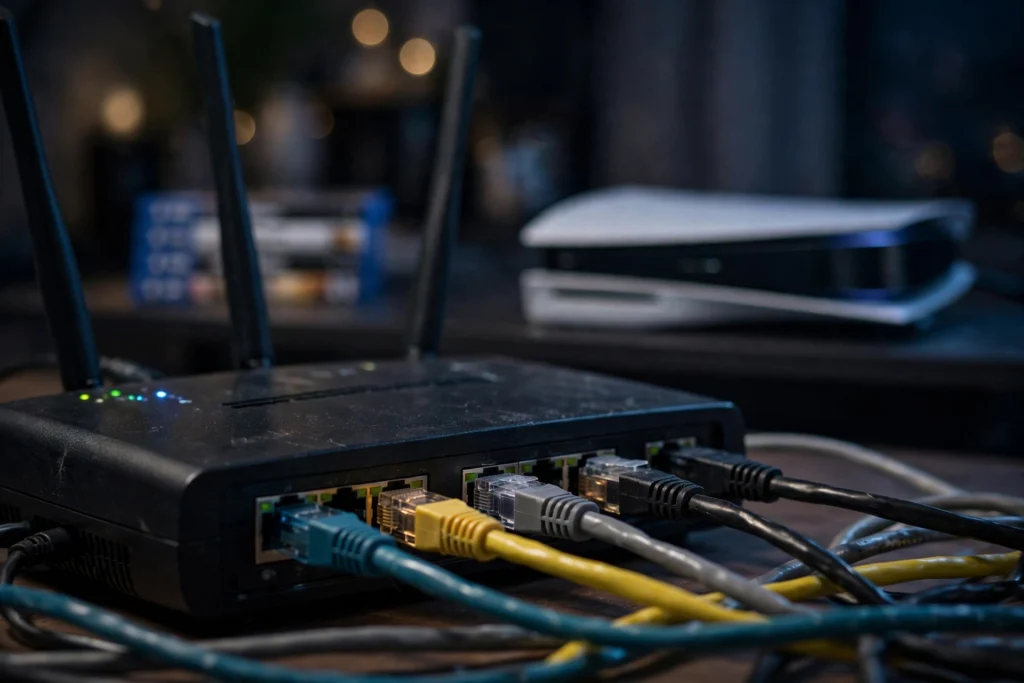
GTA 6 Preload — At a Glance
Pre-order digitally, check your storage, then download before launch day. Exact preload timing is set by Rockstar and your store.
What is GTA 6 preload?
Preload means downloading the full game files before the release date, so the game is ready to play when it unlocks. Preload is normally offered for digital pre-orders on PlayStation 5 and Xbox Series X|S. Physical copies cannot be preloaded — you need the disc or the delivery to arrive. This GTA 6 preload guide covers both consoles the same way, because the idea is identical on PS5 and Xbox: download early, then play at midnight on launch day.
When does GTA 6 preload start?
Rockstar and the platform stores set the exact preload start time, and it has not been confirmed in a single official announcement at the time of writing. Do not trust a specific preload date or time from an unconfirmed source. Check the PlayStation Store or Xbox Store listing for GTA 6, and Rockstar’s official channels, for the preload time that applies to your platform and region.
How to preload GTA 6 on PS5
- Pre-order GTA 6 digitally from the PlayStation Store, on the same account you will play on.
- Check that you have enough free storage for the download — see our storage guide.
- When preload opens, go to your game library, select GTA 6, and start the download.
- Keep your PS5 connected and in rest mode, if you want the download to continue in the background.
- On launch day, check for a day-one update before you play.
How to preload GTA 6 on Xbox Series X|S
- Pre-order GTA 6 digitally from the Xbox Store, on the same account you will play on.
- Check that you have enough free storage for the download.
- When preload opens, go to My games & apps, select GTA 6, and start the download.
- Keep your Xbox connected, and check the download in the queue.
- On launch day, check for a day-one update before you play.

Before you preload: storage, internet and account checks
- Free up enough storage before preload opens — the PS5 download size guidance is 212 GB for PS5 only, and Xbox size has not been confirmed in the same way.
- Use a wired connection or a strong Wi-Fi signal for a large download.
- Make sure the game is tied to the account you will play on.
- Check your region and language settings on the store listing.
GTA 6 preload: frequently asked questions
Can I preload GTA 6?
If you pre-order digitally on PS5 or Xbox Series X|S, preload is normally offered. The exact start time is set by Rockstar and your store — check the official listing. This GTA 6 preload page will be updated if Rockstar or the stores change the preload window.
Can I preload a physical copy of GTA 6?
No. Physical copies cannot be preloaded. You need the disc, or a digital pre-order, to download early.
Do I need to pay again to preload?
No. Preload is part of your digital pre-order. You download the game you have already bought, and it unlocks at launch.
Last updated: 18 November 2026. Preload timing is set by Rockstar and the platform stores; check the official listing for your platform. Bookmark this GTA 6 preload guide and check it again before preload opens.

Pingback: GTA 6 Platforms: PS5, Xbox and PC Status
Pingback: GTA 6 Download Size and Storage: How Much Space You Need - GTA 6 World Hub
Pingback: GTA 6 Download Problems: How to Fix Them
Pingback: GTA 6 FAQ: 20 Questions Answered - GTA 6 World Hub
Pingback: GTA 6 Day-One Update: What to Expect
Pingback: GTA 6 Launch Checklist: 10 Things to Do Before You Play - GTA 6 World Hub
Pingback: GTA 6 Map: Vice City and the State of Leonida Explained - GTA 6 World Hub
Pingback: GTA 6 Characters Jason Lucia: Confirmed Guide
Pingback: GTA 6 Editions: What Each Edition Includes - GTA 6 World Hub
Pingback: How to Pre-order GTA 6: Editions, Prices and Where to Buy Safely
Pingback: GTA 6 Gameplay: Combat, Driving, Exploration
Pingback: GTA 6 Not Working? Launch Problems, Errors and Fixes (2026)