
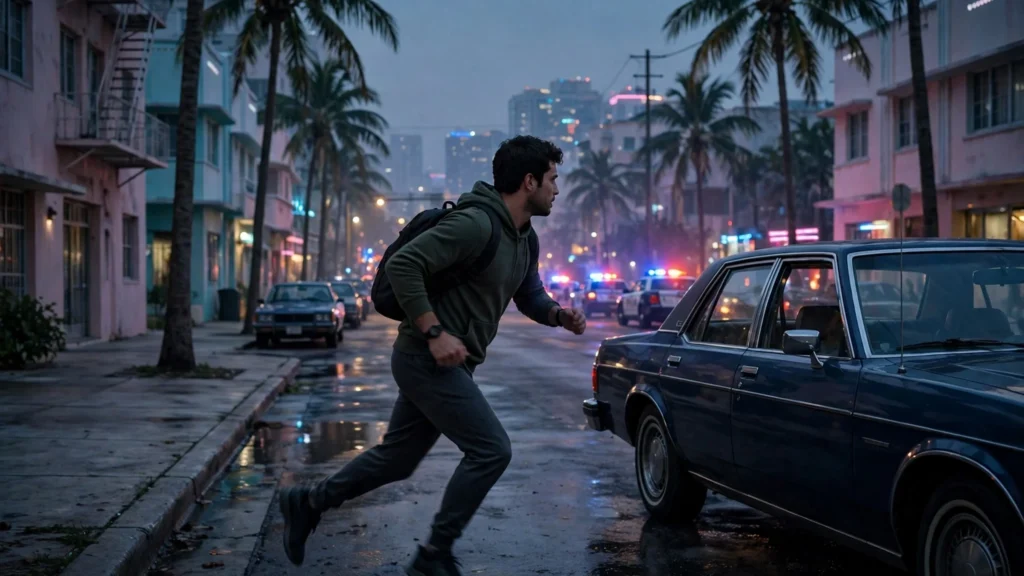
You have finished the opening hours, you know the basics — now the systems underneath Leonida start to matter. GTA 6’s wanted system tracks how you were seen, not just what you did; your wallet has a hard cap that can quietly cost you money; and the two protagonists share less than you assume. This guide collects the advanced tips documented from the released game, grouped by theme. Every tip rests on a mechanic documented by a named guide — Push Square and Inven Global’s tips guides, and mechanics verified by Polygon, PowerPyx and others. Single-guide mechanics are labelled reported. New to the game? Start with our GTA 6 beginner guide.
Last updated: 22 November 2026.
At a Glance
- Work the heat icons, not just the stars: each identification marker has a specific counter, as Polygon documents.
- Bank cash constantly — the wallet caps at $20,000 and carried cash is lost on death or arrest.
- Do not grind money in Chapter 1: your savings are lost at the end of the chapter (PowerPyx).
- No money glitch or exploit is documented by any credible outlet — none is printed here, and sites claiming one are unverified.
- Nothing required for 100% is missable, so never reload for a collectible.
- The accessibility combat options do not disable trophies, per Push Square — use them freely.
Combat and Wanted: Play the Identity System
Work the heat icons, not just the stars
As Polygon documents, police identify you through separate markers — appearance, outfit, vehicle, visible weapon, partner and CCTV — and each has a specific counter. Appearance falls to a cap, sunglasses or a haircut; outfit to a clothes change (keep a spare set in the car); vehicle to a respray or swap; weapon to holstering your sidearm or trunking longarms; partner to splitting up; and CCTV to destroying the recorder — unless the icon shows cloud storage, in which case a disguise is the only fix. Full system: our GTA 6 wanted system guide.
No witness, no heat
Crimes only generate a wanted level if a witness reports them, or an alarm or tracker trips (Polygon; Beebom). Rob quiet targets with one clerk and no civilians, and stealth kills in remote areas keep you at zero stars. Rockstar North’s Rob Nelson has stated the same rule on the record.
Mask before the crime, never after
A mask worn beforehand reduces identification; putting one on afterwards only makes you more suspicious (Polygon).
Escape on grey stars — and do not escalate
Flashing stars mean police are losing you; grey stars mean they have lost sight of you but are still searching — that is the moment to change clothes or vehicle. Shooting police or hitting civilians while escaping raises your level and widens the search; wounding limbs incapacitates without killing (Polygon).
Go non-lethal to protect your Criminal Profile
Kills push your persistent Criminal Profile toward aggressive, and the “Irredeemable” profile is permanent and makes police more aggressive (PowerPyx; Polygon). Two Push Square techniques (reported, single-source) help: grab enemies with R2 for clean knockouts, and use Combat Focus aiming (L3+R3) to highlight non-vitals in yellow; a yellow X in the reticle means debilitated, a red X means killed.
Fit suppressors early
Inven Global reports that a suppressor muffles gunshots and delays police response, buying looting time after silently clearing a hideout. It does not prevent reports entirely — the louder the commotion, the faster police arrive.
Use your partner as a tool
Hold Right on the D-Pad for contextual partner commands, as Inven Global documents (reported): create a distraction during a pursuit, hand over driving, or have your partner fence stolen stash for you at a slightly lower payout.
Too hard? Use the accessibility levers — they are free
Settings → Gameplay options 24/25 offer Accessible Combat (you take less damage, enemies take more) and Reduced Vehicle Damage. Push Square confirms enabling them does not disable trophies or alter the story. More in our GTA 6 best settings guide.

Money: Protect It, Then Grow It
Bank cash constantly
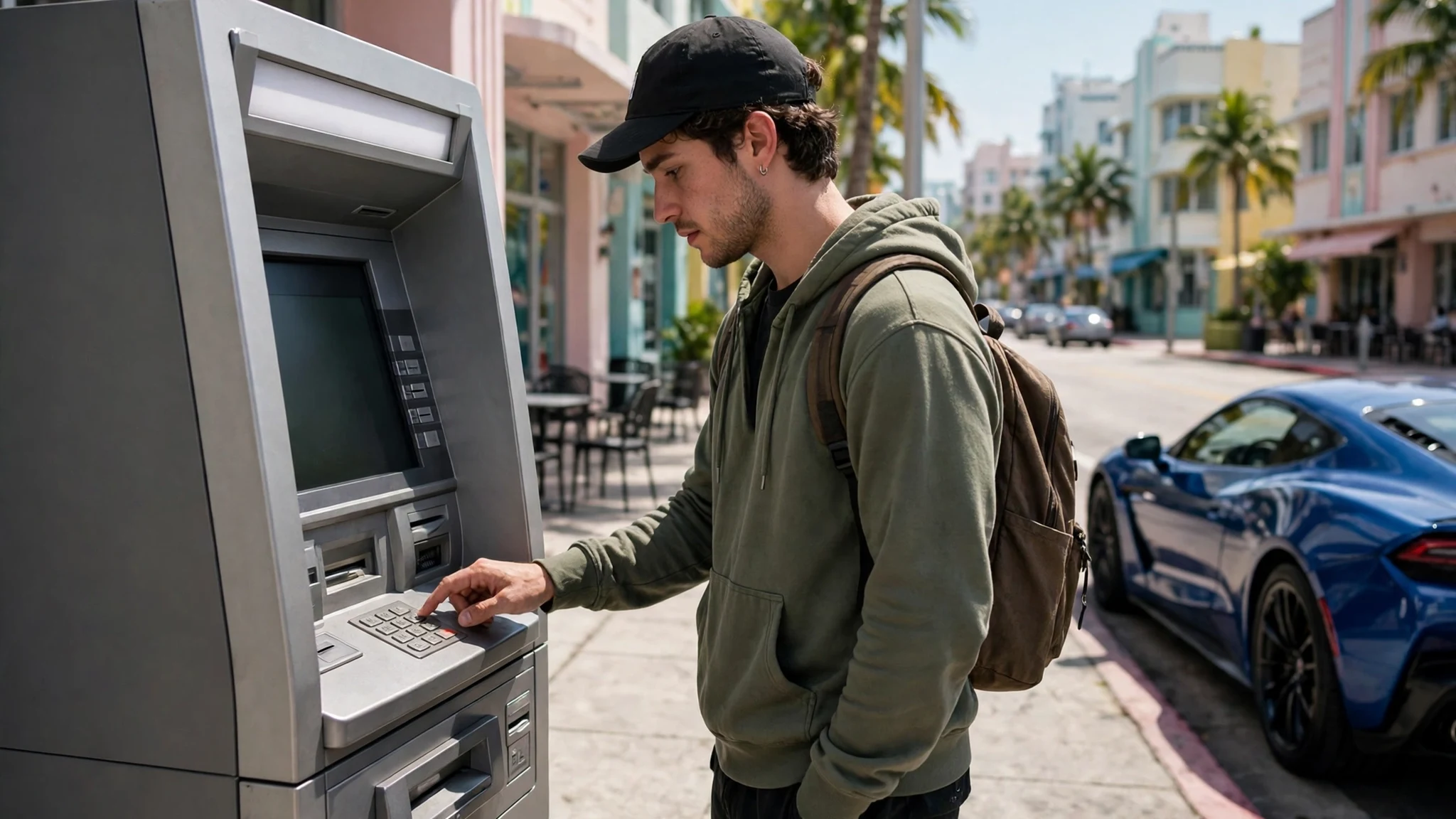
Your wallet caps at $20,000 — once it is full you cannot pick up more cash at all — and carried cash is lost on death or arrest, so deposit at ATMs into the BuckMe bank (unlocked in Chapter 1) after every score. The BuckMe app’s ATM Finder waypoints the nearest machine. (Cash loss: GamesRadar and Beebom; the cap and ATM Finder: Inven Global and Push Square, reported.)
Do not grind in Chapter 1
You lose your savings at the end of Chapter 1, as PowerPyx documents — so focus early on story progress and contacts. Serious earners unlock from Chapter 3, when fences Tyrone and Yasmani open up via Jason’s missions (PowerPyx; ShowGamer; GTAScoop — Inven Global agrees).
Work the payout ladder in order
Guide-reported figures (GamesRadar; PowerPyx; Beebom; GTAScoop) put the ladder roughly like this: muggings and register hold-ups for pocket cash; stolen cars to fences, $1,000+ for tracker-free cars sold to Moses from Chapter 2; jewelry jobs at $10k–$25k in Chapter 3; gang operations across 39 locations; and bank vaults as the biggest payout — up to $205,000 for about five minutes at the end of Chapter 4, instantly triggering four stars, so plan the escape first. More in our GTA 6 money guide.
Collectibles are income, not just homework
Sell collectible cards freely: they stay in your collection after selling at pawn shops, so card hunting is income and completion progress at once (PowerPyx). Shoot only the black-and-white-beaked flamingos — the real collectibles; their cocaine packages fence for cash and count toward checklist narcotics targets (PowerPyx; GameBoost; GTAScoop). Full hunts: our GTA 6 collectibles guide.
Damaged goods pay less
A fence pays less for a damaged car, and high-end cars delivered to Randy (Chapter 3, after the Key Cloner) pay $30,000+ only in perfect condition; advanced trackers also alert police if you slow down (PowerPyx). Drive fence cars like you own them.
A necessary warning about “money glitches”
No money glitch or duplication exploit is documented by any credible outlet (Push Square, Inven Global and PowerPyx included), so none is printed here. Circulating “money glitch” videos are unverified, and exploits risk patches and save problems.
Exploration and Travel
There is no fast-travel button — use RydeMe properly
Phone → RydeMe: set a waypoint, book, and once inside hold Triangle to skip the ride for $100 (longer trips cost more) — Push Square and Inven Global agree on the skip. Inven Global adds (reported) that tipping the driver $5, up to twice, makes them drive faster.
Autopilot has limits
Enter Cinematic Camera autopilot with Down on the D-Pad, or ask your partner to take the wheel (Inven Global, reported). Autopilot obeys traffic laws and can sit in traffic — use RydeMe when time matters.
Listen for the game world
Random events are not marked on the map. If you hear a strange sound nearby, stop: Inven Global reports pressing L3+R3 pinpoints its direction, leading to random encounters or clues to major side missions.
Scan as you travel
WAiNK-scan vehicles and landmarks as you go: 200 of 277 vehicle scans and 100 landmark scans are needed for 100%, and both build passively. Study animals through binoculars — 100 of 255 needed — without hunting (PowerPyx; TheTechBasket).
Quick waypoints without the map
Hold Down to view nearby shops, waypoints and missions, then press R3 to set a GPS route; the map index (Touch Pad, then Right) lists story missions with mandatory objectives on top (Push Square).
Headphones mean radio anywhere
Buy headphones at an electronics store to hear radio and podcasts on foot — handy for podcast episodes that unlock with progress (Push Square). Full line-up: our GTA 6 soundtrack and radio stations guide.
Vehicles and Inventory
Find the sweet spot
The Slim Jim, Clone Key and hotwire minigames have a pink “sweet spot” — move the sticks to find it and the break-in speeds up, shortening your exposure at the scene (Push Square).
Register keepers, keep a mixed garage
A stolen car is only permanently yours once registered at a Pay ‘N’ Spray — the fee scales with value and needs a free storage slot (Push Square), with 16 garage spaces plus 2 personal vehicles (GTABase). Keep purpose-built vehicles, not just sports cars: sturdy SUVs for durability and cargo space, and a truck for ripping ATMs off walls (Inven Global, reported).
Watch fuel and engine health
Cars burn fuel and take engine damage: gas stations handle light maintenance, heavy damage needs an auto shop, and the Scooter Bros app delivers a repaired vehicle for a fee (premium membership: three free deliveries a day) or spawns a stored car nearby (fuel/engine: Edge; Scooter Bros: Inven Global and Push Square).
The protagonists do not share everything
Weapons bought by one character unlock for both, but customisations are per-character, and ammo and healing items are held separately (Inven Global, reported). Check both inventories before a big job.
Completion Efficiency
Nothing for 100% is missable
The 100% checklist only becomes viewable after the story, but everything found during it already counts, and every required item can be finished in post-story free roam — so never reload for a collectible (PowerPyx; GTABase). The one exception to watch: the potentially missable trophy Positive Mental Attitude, tied to a Chapter 1 meditation at Jason’s house — do meditations as you find them. The full requirements are laid out in our GTA 6 100% completion guide.
Work the lenient checklist, not the full lists
100% needs only part of most categories — 15 of 18 card sets, 100 of 125 flamingos, 200 of 277 vehicle scans, 300 of 397 stunts, 70 of 80 challenges — so prioritise the strict ones (all 33 Underwater Discoveries) and let the rest fill in naturally (PowerPyx; TheTechBasket).
Keep rotating chapter-boundary saves
There is no mission replay and no New Game Plus, so use the 15 manual save slots to keep chapter and choice saves (GameSpot; PowerPyx; Push Square). And do not plan a first run around cheats: they disable trophies and saving, and only unlock after the story anyway (see our GTA 6 how long to beat guide).
Build Strength, and eat before big jobs
Gyms raise Strength — maxing it on both characters earns the Personal Best trophy — but stats decay if you stop training; food temporarily raises max health and drinks raise max stamina and Focus, checkable in the phone’s Health app (gyms/trophy: PowerPyx; decay and food/drink: Inven Global, reported).
FAQ
Is there a working GTA 6 money glitch?
None is documented by any credible outlet — Push Square, Inven Global and PowerPyx document no glitch or duplication exploit — so we print none. Videos claiming one are unverified and risk patches or save issues.
What is the fastest documented way to make money in GTA 6?
Work the ladder the guides document (GamesRadar; PowerPyx; Beebom; GTAScoop): register hold-ups early, tracker-free cars to Moses from Chapter 2, jewelry jobs in Chapter 3, then gang operations and bank vaults — up to $205,000 for about five minutes at the end of Chapter 4, with a four-star escape to plan. Do not grind in Chapter 1 — savings are wiped at its end.
Can you fast travel in GTA 6?
There is no fast-travel button. The documented substitute is RydeMe: book by phone, then hold Triangle inside the car to skip the ride for $100, per Push Square and Inven Global. Autopilot and partner driving travel in real time.
Do the accessibility settings disable trophies in GTA 6?
No. Push Square confirms that Accessible Combat and Reduced Vehicle Damage (Settings → Gameplay, options 24/25) do not disable trophies or alter the story.
GTA 6 World Hub is an independent fan publication and is not affiliated with Rockstar Games or Take-Two Interactive.


Pingback: GTA 6 Controls Guide: Full PS5 & Xbox Layouts Explained